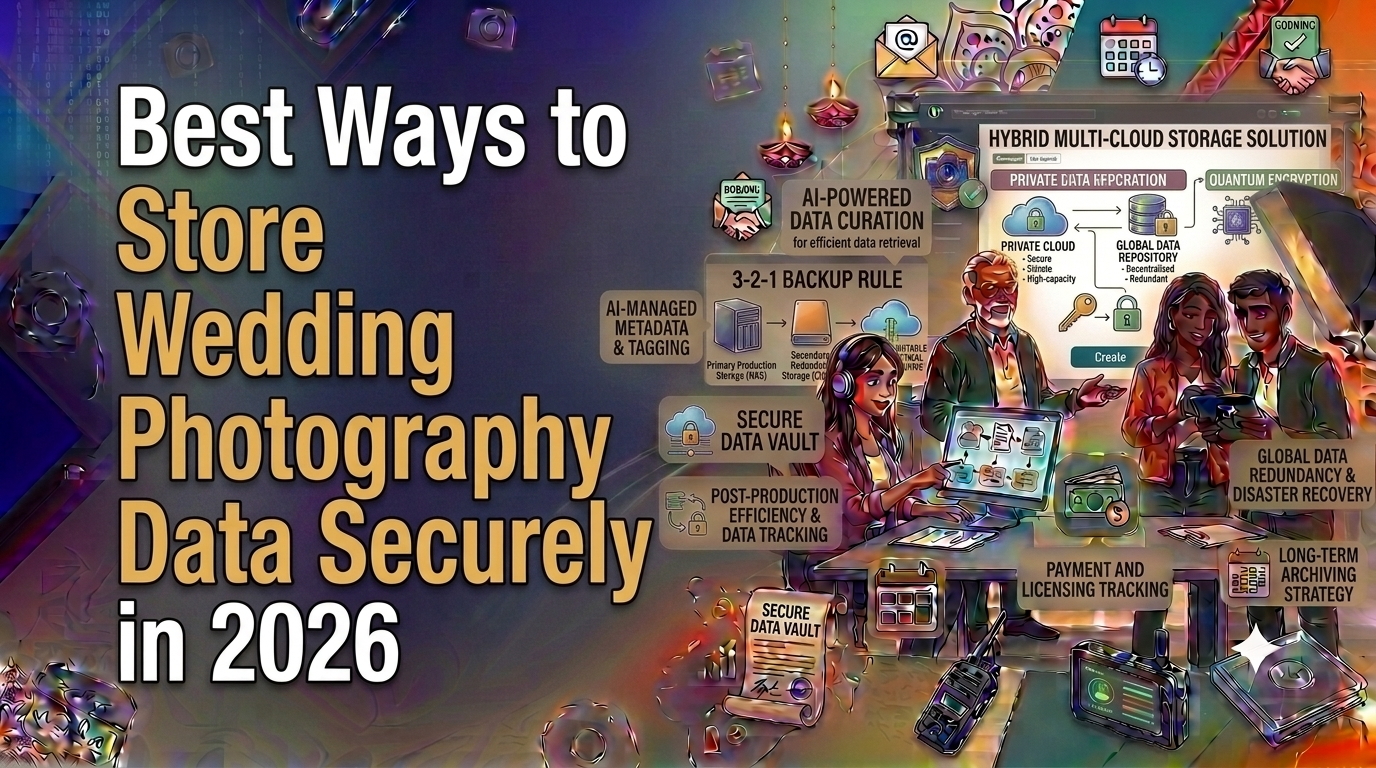
Best Ways to Store Wedding Photography Data Securely in 2026
Managing a thriving photography business in India during peak wedding season is an exhilarating high-wire act. Between capturing vibrant Haldi ceremonies in Jaipur and grand Receptions in Surat, a studio can easily generate hundreds of gigabytes—if not terabytes—of data in a single weekend. Finding the ways to store wedding photography data securely is not merely an IT technicality; it is the ultimate foundation of client trust and business continuity. A single corrupted memory card or a dropped external hard drive can instantly destroy priceless family memories and trigger irreversible reputational damage.
As camera resolutions push past 50 megapixels and 4K or 8K video recording becomes standard for cinematic wedding films, the sheer volume of data overwhelms traditional external hard drives. Studio owners across cities like Ahmedabad, Pune, and Bengaluru face mounting challenges in organizing, backing up, and archiving these massive datasets while keeping operations cost-effective and GST-compliant.
In this definitive guide, we will explore industry-proven data retention workflows, hard disk configurations, cloud backup strategies, and operational frameworks designed specifically for Indian photography studio owners looking to safeguard their digital assets against physical hardware failure, accidental deletion, ransomware, and natural disasters.
1. The Scale of Data in Modern Indian Wedding Photography
The Indian wedding market has experienced explosive growth, characterized by multi-day extravaganzas, high-production teaser films, drone aerial coverage, and multiple second-shooters capturing every angle. According to industry analysis published by The Economic Times, wedding expenditure in India continues to scale rapidly, making media production quality a top priority for families.
With this scale comes unprecedented data inflation. A multi-crew studio shooting Sony A7IV or Canon R5 bodies alongside cine cameras can generate colossal datasets over a three-day celebration:
- RAW Still Photographs: 8,000 to 15,000 images (~400 GB to 900 GB)
- 4K Cine Video Footage: 10 to 25 hours of ProRes/Log footage (~1.2 TB to 3.5 TB)
- Drone & Gimbal B-Roll: (~150 GB to 300 GB)
- Total Data Generated Per Event: 1.75 TB to 4.7 TB
Managing this volume without a structured backup protocol leads to severe operational bottlenecks. External hard drives get mislaid, filenames overlap, and post-production editors waste valuable hours searching for specific reels. Implementing systematic ways to store wedding photography data securely prevents these catastrophic points of failure while maintaining project momentum.
"Data loss in wedding photography isn't an 'if' scenario—it is a 'when' scenario. Without redundant local and offsite copies, a studio owner is operating on borrowed time."
2. The Gold Standard: Implementing the 3-2-1 Backup Strategy
Data security experts globally advocate for the 3-2-1 backup framework. Designed to eliminate single points of failure, this rule must be adapted by every Indian wedding photography studio operating today.
Core Components of 3-2-1 Architecture
The 3-2-1 strategy requires a clear breakdown of physical and remote redundancies:
- 3 Total Copies: Maintain one primary production copy and at least two distinct backup copies of every project file.
- 2 Different Media Types: Store data on two separate physical storage technologies (for example, ultra-fast NVMe SSDs for editing and a multi-bay RAID Hard Disk Array for long-term storage).
- 1 Offsite Copy: Keep at least one copy in an entirely different physical location—such as encrypted cloud storage or a secondary physical drive stored in a separate office or home location.
For studios relying heavily on streamlined client workflows, integrating data tracking with software solutions like ClickDesk post-production tools ensures that drive numbers and backup statuses are updated in real time as editors finish raw culling and color grading.
3. Hardware Comparison: External Drives vs. NAS vs. DAS
Choosing the right hardware balance depends heavily on team size, studio budget, and project volume. Many studio owners start with portable USB drives, but as team size scales beyond 3 editors, centralized storage becomes essential.
According to market insights from research firms like Gartner, enterprise data reliability demands fault-tolerant hardware configurations rather than consumer-grade standalone media.
Hardware Storage Comparison Matrix
Portable NVMe SSDsUltra-High (1000–2000 MB/s)None (Single Drive)On-field ingest & travel editing₹12,000 – ₹28,000 per 2TBDirect Attached Storage (DAS RAID)High (400–800 MB/s)RAID 1, 5, or 10 ProtectionPrimary local editing hub for 1-2 editors₹45,000 – ₹1,200,000Network Attached Storage (NAS)Medium to High (1GbE / 10GbE Network)Multi-drive RAID RedundancyCentralized multi-editor studio workflow₹80,000 – ₹3,500,000+Encrypted Cold Cloud StorageDependent on Internet SpeedGeographically Redundant Data CentersDisaster recovery / Long-term offsite archive₹500 – ₹2,000 per TB / Month| Storage Solution | Speed / Performance | Data Redundancy | Ideal Studio Use Case | Approximate Cost (INR) |
|---|
RAID Configurations Explained for Studio Owners
When investing in NAS or DAS desktop enclosures, configuring the right RAID (Redundant Array of Independent Disks) mode is essential for data safety:
- RAID 1 (Mirroring): Duplicates all files across two identical drives. If one drive dies, the second drive contains an exact copy. Yields 50% total capacity.
- RAID 5 (Striping with Parity): Distributes data across 3 or more drives with single-drive fault tolerance. Excellent balance of speed, usable space, and safety.
- RAID 10 (Striping + Mirroring): Combines speed and high reliability across 4 or more drives. Can survive multiple drive failures if they are in separate mirror sets.
4. Cloud Storage Solutions and Security Best Practices
Cloud backup provides the ultimate safety net against localized physical risks like studio fires, electrical surges during monsoon storms, or hardware theft. Reports from tech consultancies like McKinsey & Company emphasize that hybrid cloud architectures offer the best security posture for creative small-and-medium enterprises.
Key Cloud Storage Provider Overview
Backblaze B2 / Computer BackupAES-256 Bit EncryptionAffordable flat-rate or pay-per-GB pricingRequires consistent high-speed broadbandGoogle Drive for WorkspaceIn-transit & At-rest EncryptionSeamless integration with client sharingStorage caps on non-enterprise tiersAmazon Web Services (AWS S3 Glacier)Enterprise Grade SecurityExtremely low long-term archival costEgress bandwidth fees on data retrieval| Provider | Encryption Level | Key Advantage for Indian Studios | Considerations |
|---|
Data Encryption and Access Controls
Storing client files in the cloud requires strict compliance with modern privacy standards. Ensure that your uploaded data is encrypted using AES-256 bit algorithms before transmission. Furthermore, restrict studio staff access based on project roles using strict identity access rules. Protecting client privacy is not just good practice—it protects your studio brand reputation.
To keep client deliverables organized while keeping underlying RAW archives securely stored, explore ClickDesk’s studio insights blog for workflow strategies tailored to the Indian photography market.
5. Safe On-Site Data Ingestion and SD Card Protocols
Securing your wedding data begins the moment your lead photographer clicks the shutter. A robust on-site ingestion workflow minimizes corruption risks during fast-paced event coverage.
Step-by-Step Card Ingestion Protocol
- Dual Card Slot Recording: Always set camera bodies to write images simultaneously to both card slots (Slot 1: CFexpress / SD 1, Slot 2: SD 2) in RAW format. Never use overflow mode for once-in-a-lifetime events.
- Dedicated Data Officer: Assign a trained assistant to manage data offloading on-site during downtime or immediately following the event shoot.
- Verification via Checksums: Do not rely on drag-and-drop transfers via OS file explorers. Use dedicated ingestion software (such as ShotPut Pro or Silverstack) that calculates MD5 or xxHash checksums to verify that every byte copied matches the source card identically.
- Physical Card Lockout: Once offloaded and verified on two separate portable SSDs, lock the SD cards physically and store them in a waterproof, anti-static hard case. Do not format cards until the primary edit copy is safely mirrored on the main studio storage system.
Beyond file management, seamless tracking of photography equipment, memory cards, and shooter assignments is critical. Integrating your administrative workflow with specialized tools like ClickDesk team management module keeps field crews accountable and hardware allocations fully tracked.
6. Streamlining Studio Operations & Data Tracking with ClickDesk
ClickDesk is India's leading, all-in-one studio management platform designed specifically for professional wedding photography studios, cinematographers, and creative agencies. Built from the ground up to address the unique operational hurdles of the Indian wedding industry, ClickDesk unifies business operations, client communication, asset location logs, and financial tracking into a single intuitive cloud portal.
While physical storage systems hold your RAW files, ClickDesk ensures that your operational data—such as project progress, hard drive assignments, client quotation approvals, and GST billing—remains perfectly organized and accessible anywhere in India.
Key Features Built for Indian Photography Studios:
- Comprehensive GST Billing: Effortlessly generate CGST, SGST, and IGST compliant invoices, track tax balances, and manage payment schedules for multi-day weddings.
- Automated WhatsApp Business Integration: Send instant booking confirmations, payment reminders, and project milestone updates directly to clients via ClickDesk WhatsApp integration.
- End-to-End Post-Production Tracking: Track every stage of data editing, culling, album design, and video rendering while linking hard drive IDs directly to client event profiles.
- Lead & Order Conversion Pipeline: Convert wedding inquiries into booked events with streamlined contract signatures using ClickDesk order conversion tools.
- Payment & Advance Tracking: Monitor client advance deposits, partial milestone payments, and gateway transactions powered by Razorpay and PayU integrations with ClickDesk payment tracking solutions.
- Custom Quotation Generator: Build polished, itemized proposals in seconds using ClickDesk quotation management software.
- Business Analytics & Reporting: Gain clear visibility into studio profit margins, popular event packages, and crew expenditure using ClickDesk reporting and analytics.
"ClickDesk completely transformed our studio management in Surat. We used to lose track of which hard drive contained which wedding raw files and struggled with delayed client payments. Now, every project status, payment log, and drive location is tracked seamlessly." — Rajesh Patel, Founder, Royal Canvas Studios
To explore how ClickDesk simplifies studio administration while safeguarding your workflow data, visit our comprehensive guide on the best features of studio management software or review our flexible plans on the ClickDesk pricing page.
Transform your studio operations, eliminate administrative friction, and safeguard your wedding project workflows today. Start your free ClickDesk trial today →
7. Frequently Asked Questions (FAQ)
What is the 3-2-1 backup rule for wedding photographers?
The 3-2-1 backup rule dictates that you keep 3 total copies of your wedding media files, stored on 2 different physical media types (such as local NVMe SSDs and a desktop RAID array), with at least 1 copy stored securely offsite in an encrypted cloud server.
How much data storage does a typical Indian wedding require?
A multi-day Indian wedding covering Haldi, Mehendi, Sangeet, Pheras, and Reception with multi-cam RAW photos and cinematic 4K video typically generates between 1.5 TB and 5 TB of uncompressed data per event.
Is cloud storage alone sufficient for securing wedding project data?
No, cloud storage alone is insufficient due to upload bandwidth limitations across certain regions in India, potential internet disruptions, and slow retrieval times during emergency editing deadlines. Cloud storage must be used in conjunction with high-speed local storage.
How does ClickDesk help Indian studios manage wedding projects alongside data security?
ClickDesk offers studio management software that allows studios to log drive IDs, track editing status, manage GST invoices, and maintain automated client communication, ensuring that administrative project data is always synchronized with physical asset locations.
How long should a professional photography studio keep client RAW files in India?
Most professional Indian studios store primary RAW files until final album print approval and video delivery (typically 3 to 6 months post-event). Master high-res JPEGs and final render films are usually archived long-term for 1 to 3 years using cold cloud storage or local RAID archives. Managing these timelines is easy when logged in ClickDesk platform.